DocGrab
Keep the documentation you rely on — offline and yours
The docs you depend on live on someone else's site — until a page changes, a link rots, or you're offline. DocGrab turns any page, or a whole documentation site, into clean Markdown or JSON saved into a folder you own, with the ads and clutter stripped out.
What it is
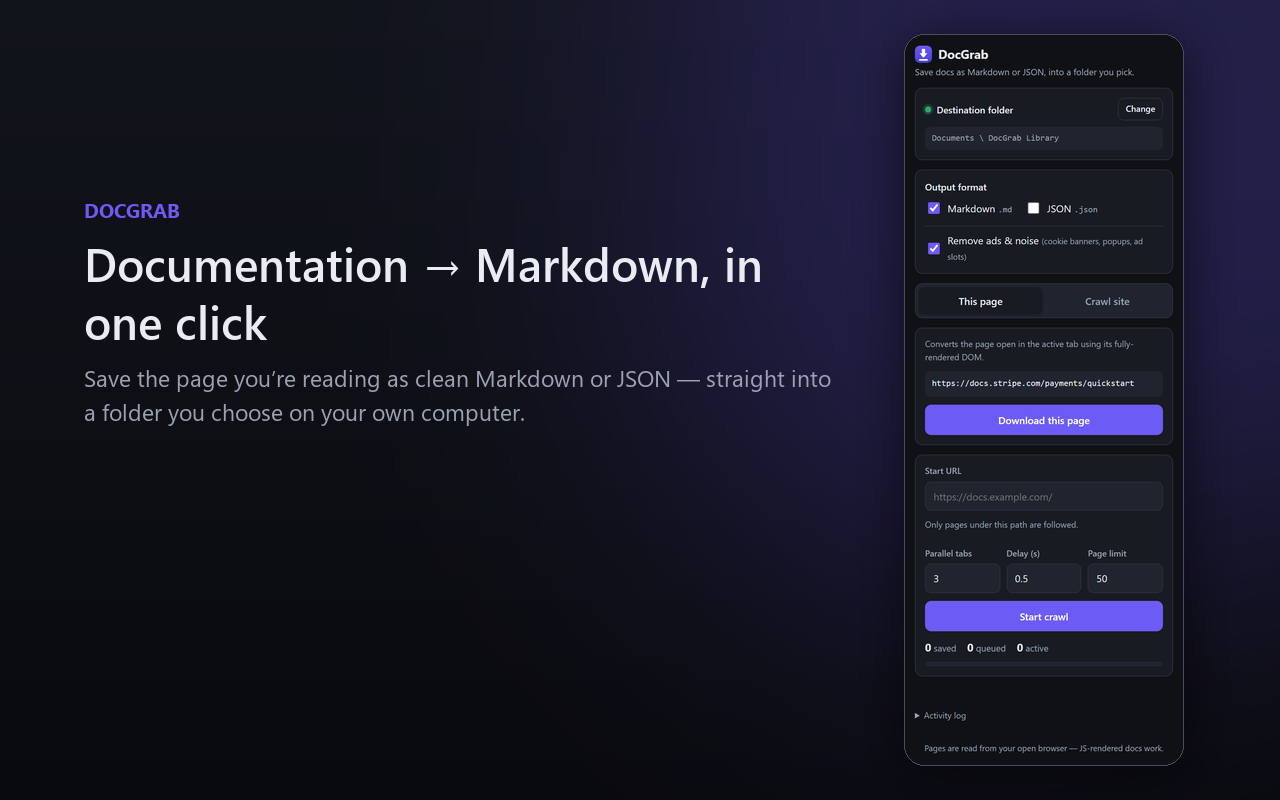
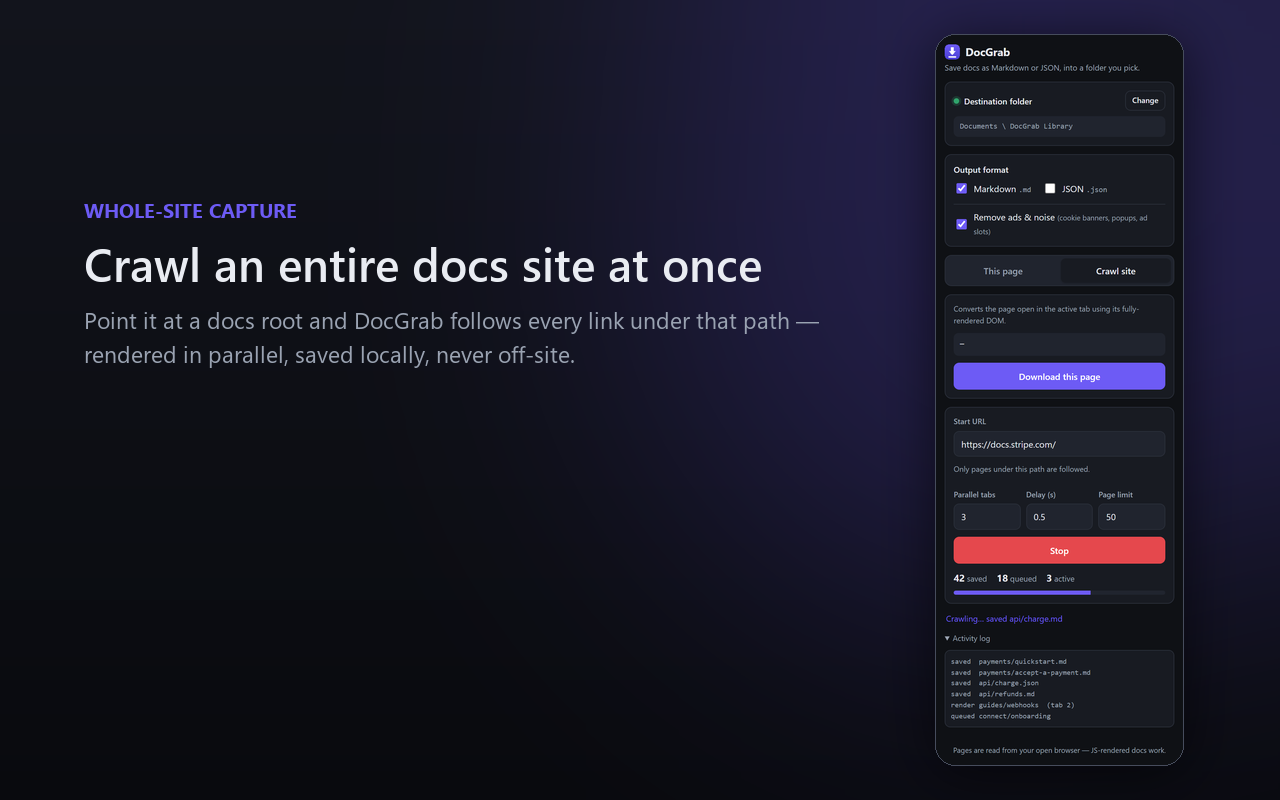
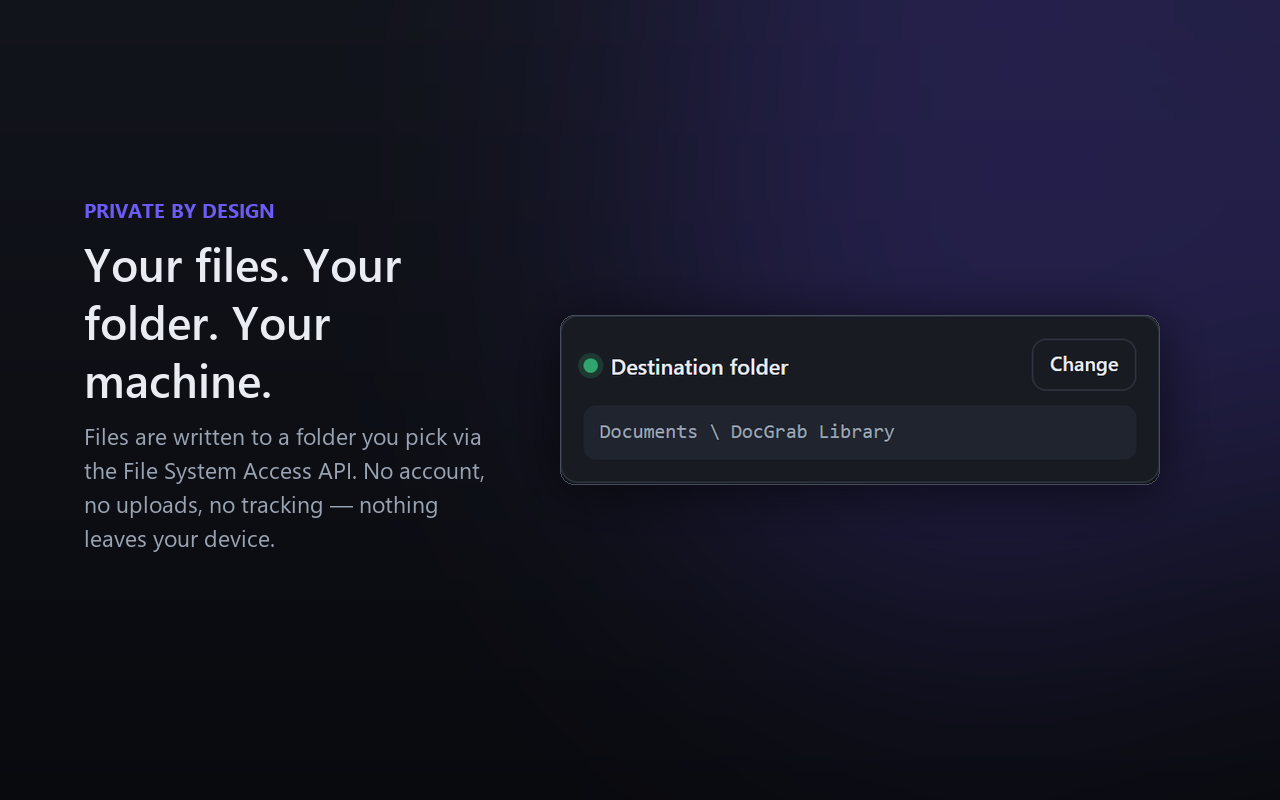
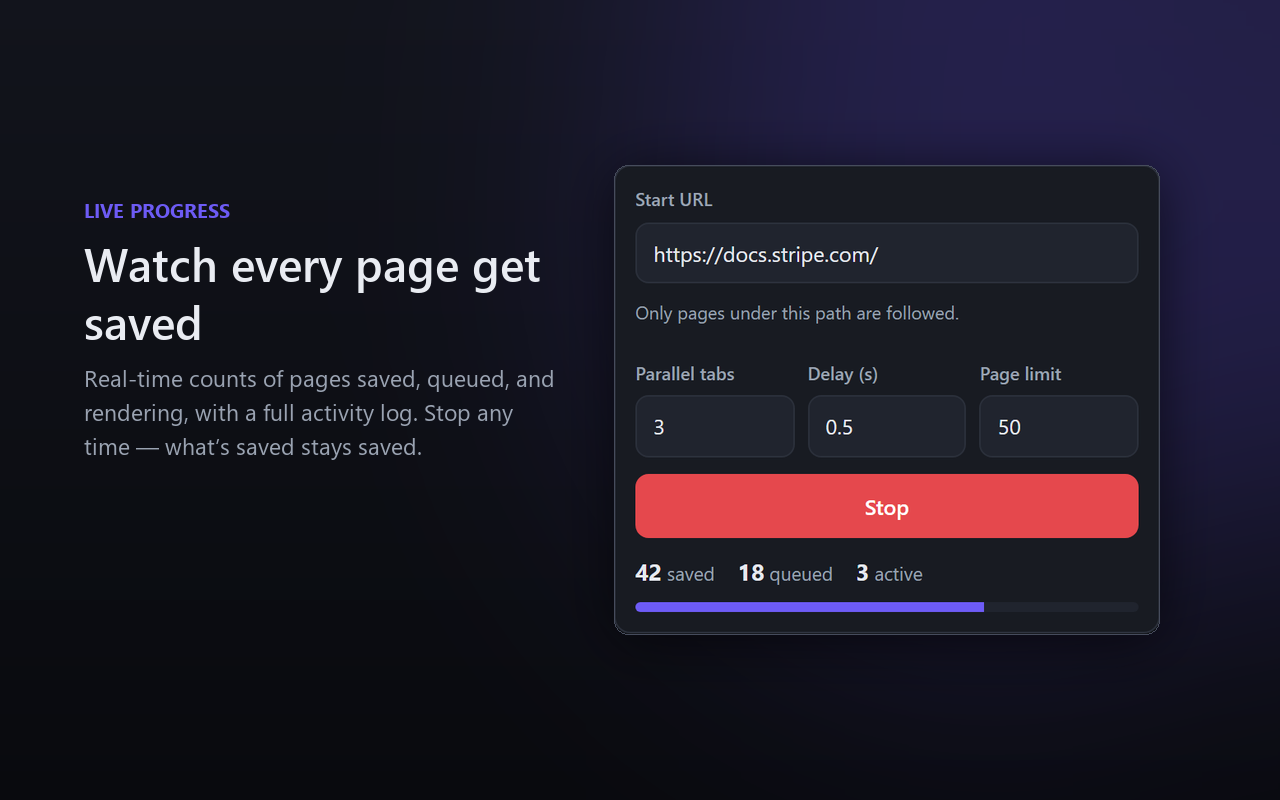
DocGrab is a browser tool that lets you keep the documentation you rely on. With one click it converts the page you’re reading into well-structured Markdown or JSON and writes it straight into a folder you pick on your own machine. Point it at the root of a documentation site instead, and it follows every page beneath it and saves the whole thing — a complete offline mirror built in a single run. No copy-pasting, no broken formatting, nothing in the middle.
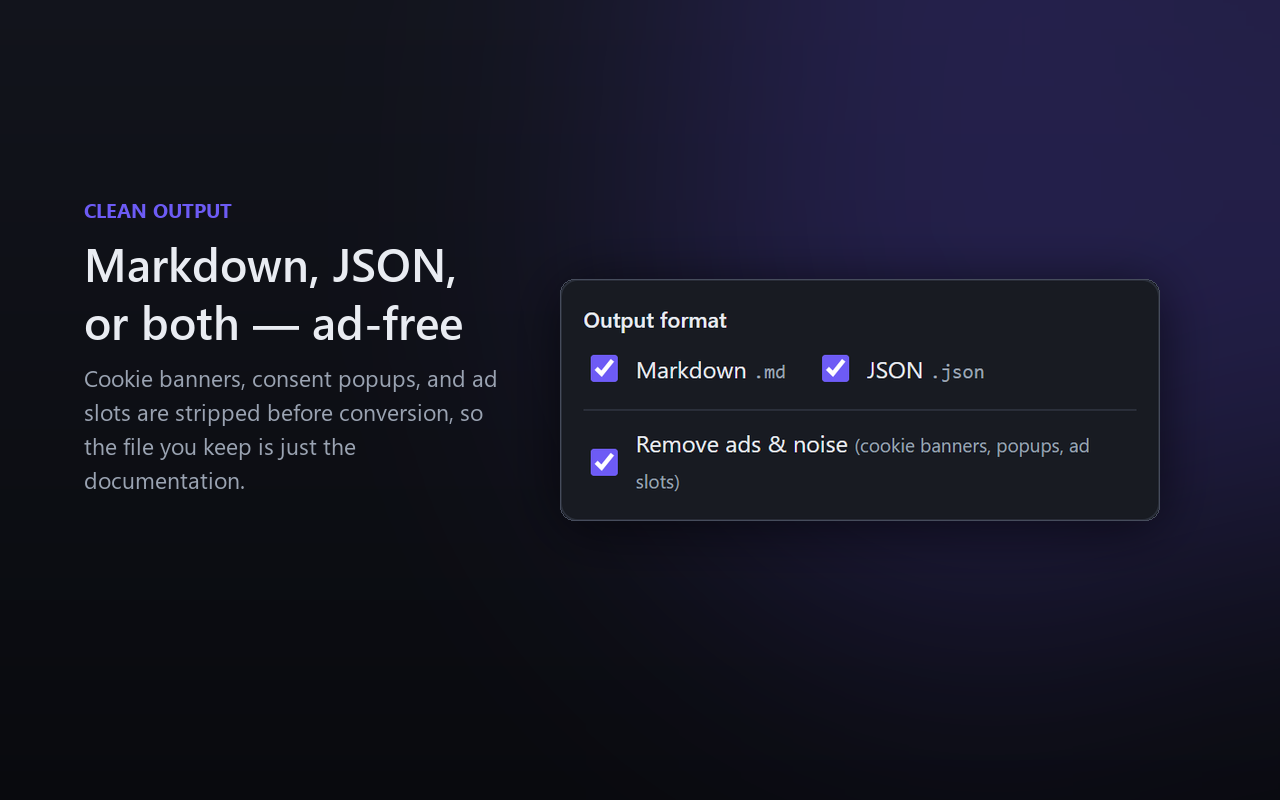
What makes it work where simpler tools fail is that DocGrab reads the page your browser has already rendered. Modern documentation is full of interactive examples, lazy-loaded sections, and tabbed code samples — if you can see the content in your tab, DocGrab can save it. It cleans as it goes, stripping ads, cookie banners, and pop-ups, so what lands on your disk reads like documentation, not a billboard.
The problem it solves
The documentation you depend on every day isn’t yours. It lives on someone else’s site, behind their uptime, their redesigns, and their decisions about what stays online. That’s fine — until it isn’t. You need a reference on a plane with no signal. You’re behind a firewall that blocks the site. The page you bookmarked got rewritten or quietly deleted. A link rotted. Or you want to feed that documentation into a note system, a search index, or an AI assistant that expects clean local files, not a live URL.
DocGrab turns documentation from something you merely access into something you own: files on your disk that are searchable offline, editable in any editor, friendly to version control, and available whether or not the original site is still up. It removes the tedious middle step — the copy-pasting, the formatting cleanup — and replaces it with a single click.
Who it’s for
- Developers who live in documentation and want it offline, searchable, and close at hand instead of scattered across browser tabs.
- People who build with AI assistants, which work far better when handed clean, local documentation as context rather than messy page dumps.
- Technical writers and researchers who need to reference, archive, or repurpose docs as clean, structured source files.
- Students building a personal, offline study library from the official docs of what they’re learning.
- Anyone tired of losing docs to dead links, redesigns, paywalls, blocked networks, or too many open tabs.
Why it stands out
Saving a web page isn’t new, but most ways of doing it are bad in a specific way: a “Save As” gives you a tangle of files, copy-paste destroys the formatting, and older tools can’t even see content that’s rendered on the fly. DocGrab is built around three ideas: it captures what you actually see; it gives you ownership cleanly — real files, in a folder you choose, with the noise stripped out; and it scales from one page to a whole site in a single run.
The bigger idea
DocGrab stands for a simple principle: the knowledge you rely on should be portable and yours. The web made documentation universally accessible, but accessible and owned aren’t the same thing — and the gap shows up every time a site goes down, a page changes, or a tool needs a local file instead of a link. As more of our reading and building is mediated by note systems, search indexes, and AI assistants that thrive on clean local context, turning documentation into structured, portable, owned files isn’t just convenient — it’s foundational.
In short: DocGrab lets you keep the documentation you depend on — turning any page, or a whole site, into clean Markdown or JSON you own, offline, and can actually use.