ClearCut
Everyday image edits — private, and done in seconds
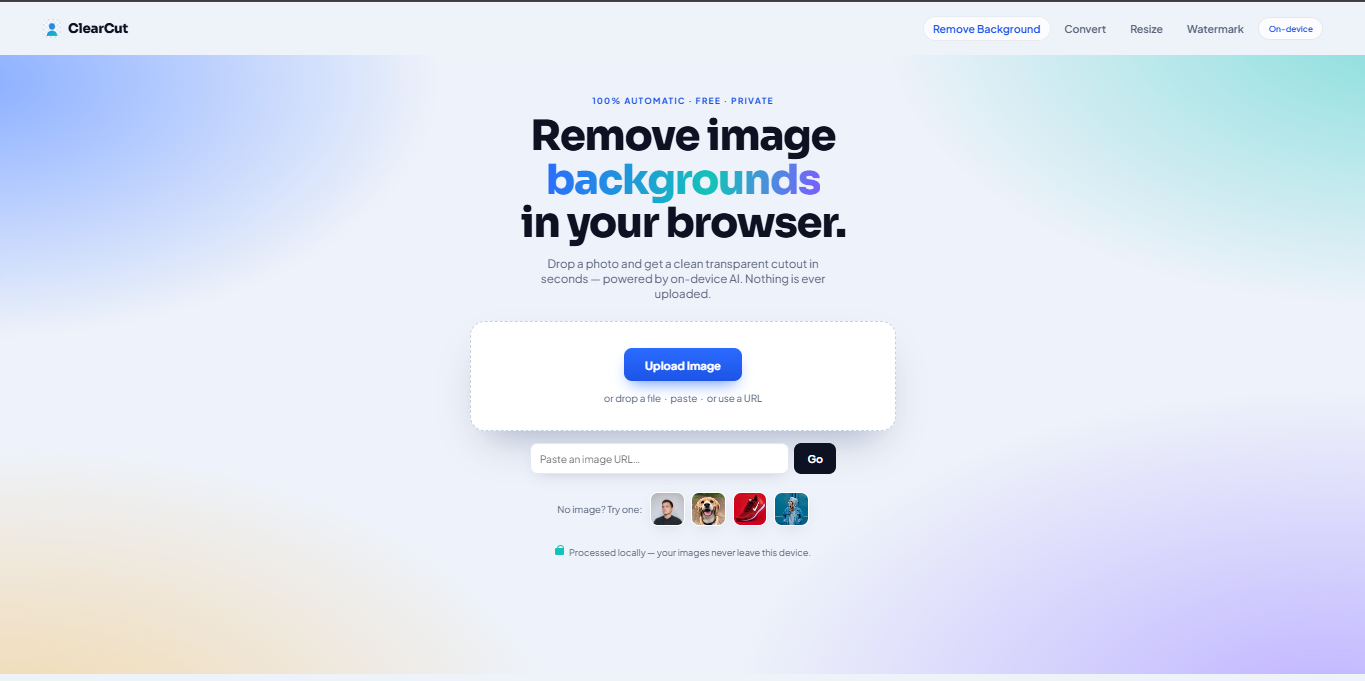
Most image tools make you upload sensitive photos to a server. ClearCut handles the everyday chores — background removal, format conversion, resizing, and watermark cleanup — entirely on your own device, so your images never leave it.
What ClearCut is
ClearCut is an image toolkit that handles the everyday chores — removing backgrounds, converting formats, resizing, and cleaning up watermarks — without uploading anything. Everything runs on your own device, so the work is automatic, free, and completely private: your images never leave your computer.
It’s one tab with four tools, each built to give a clean result in seconds, with nothing to sign up for.
What it does
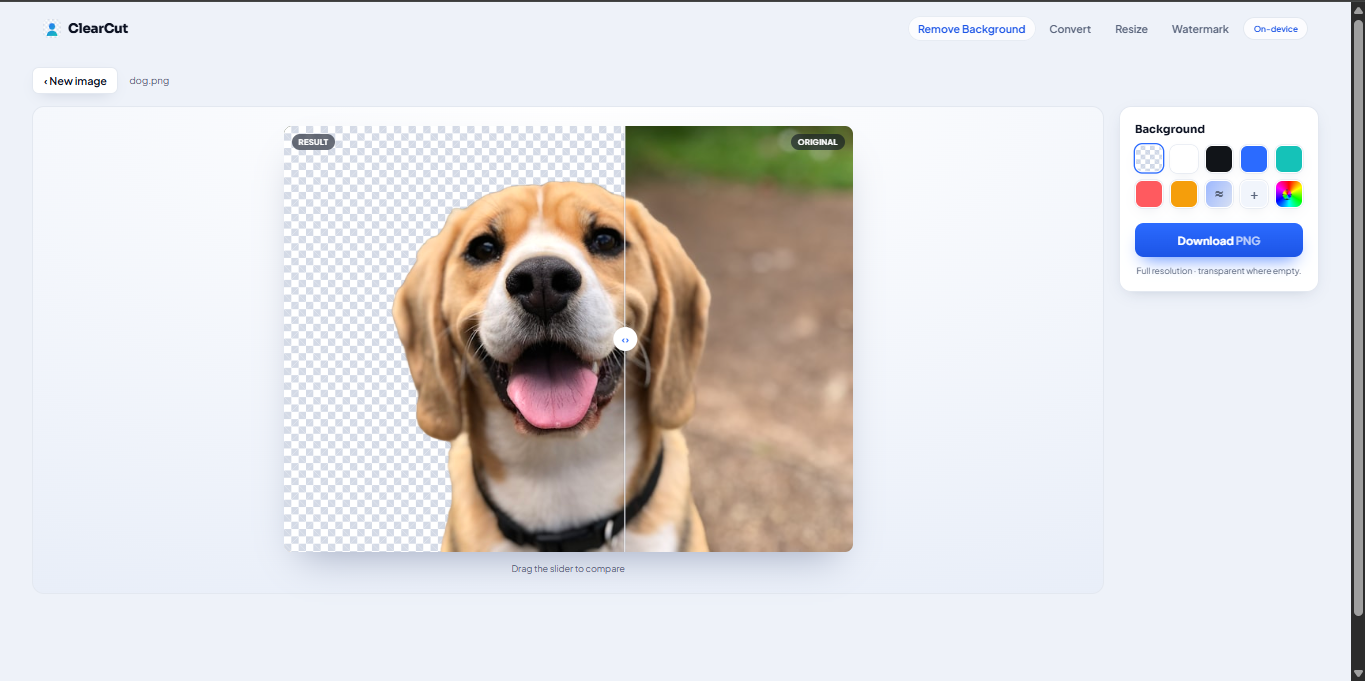
- Remove backgrounds — drop a photo and get a clean, transparent cutout in seconds. Swap in a solid background colour if you want, then download.
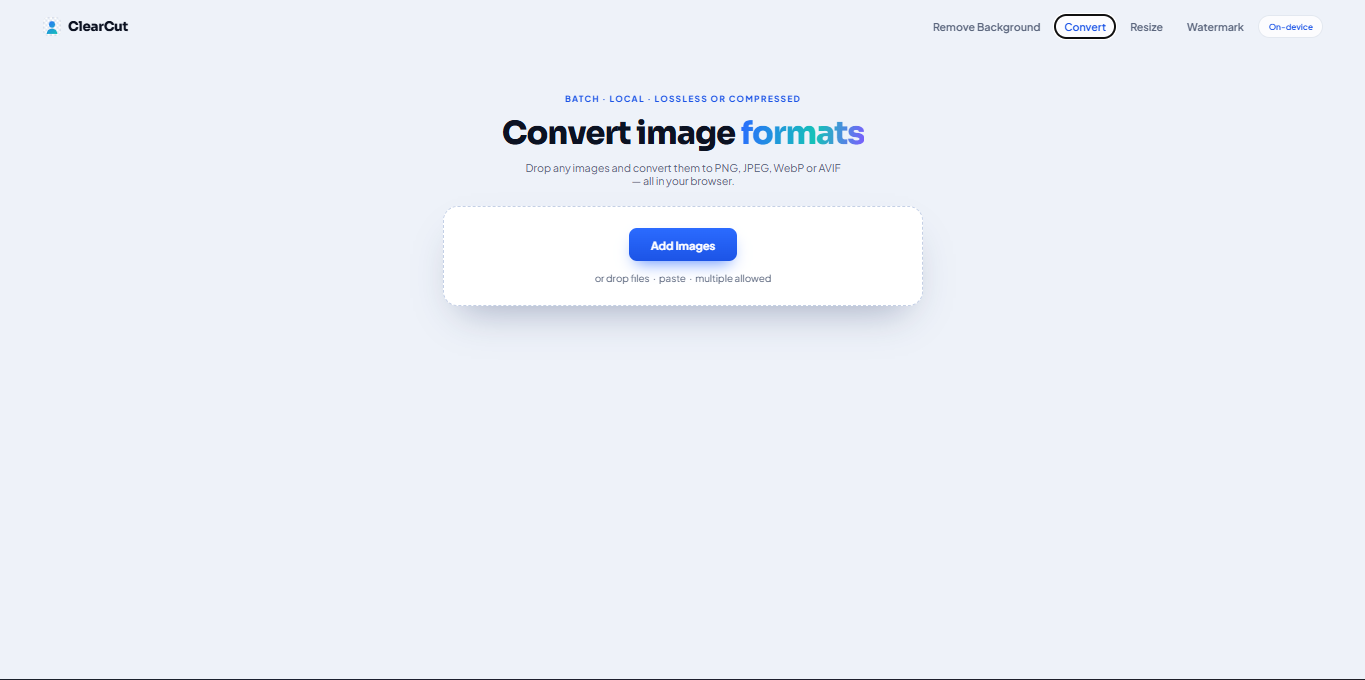
- Convert formats — batch-convert images between the common formats, lossless or compressed.
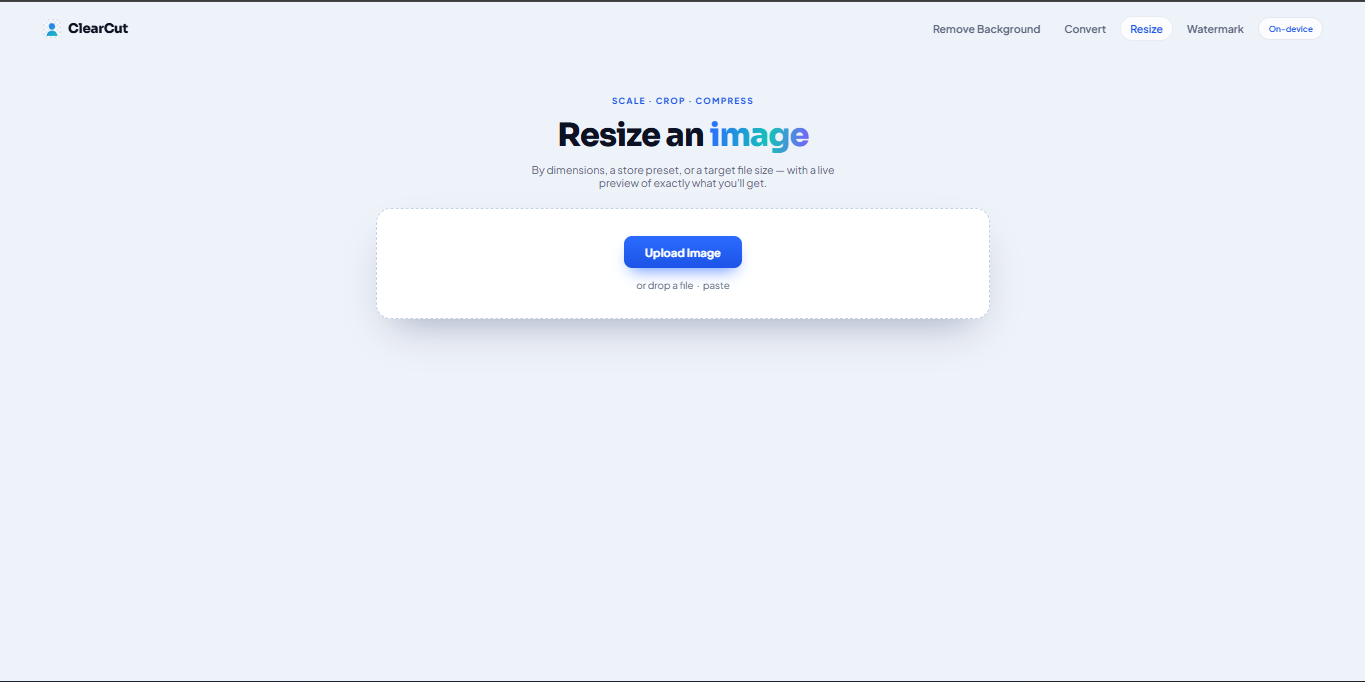
- Resize — scale, crop, or compress by dimensions, a store preset, or a target file size, with a live preview of exactly what you’ll get.
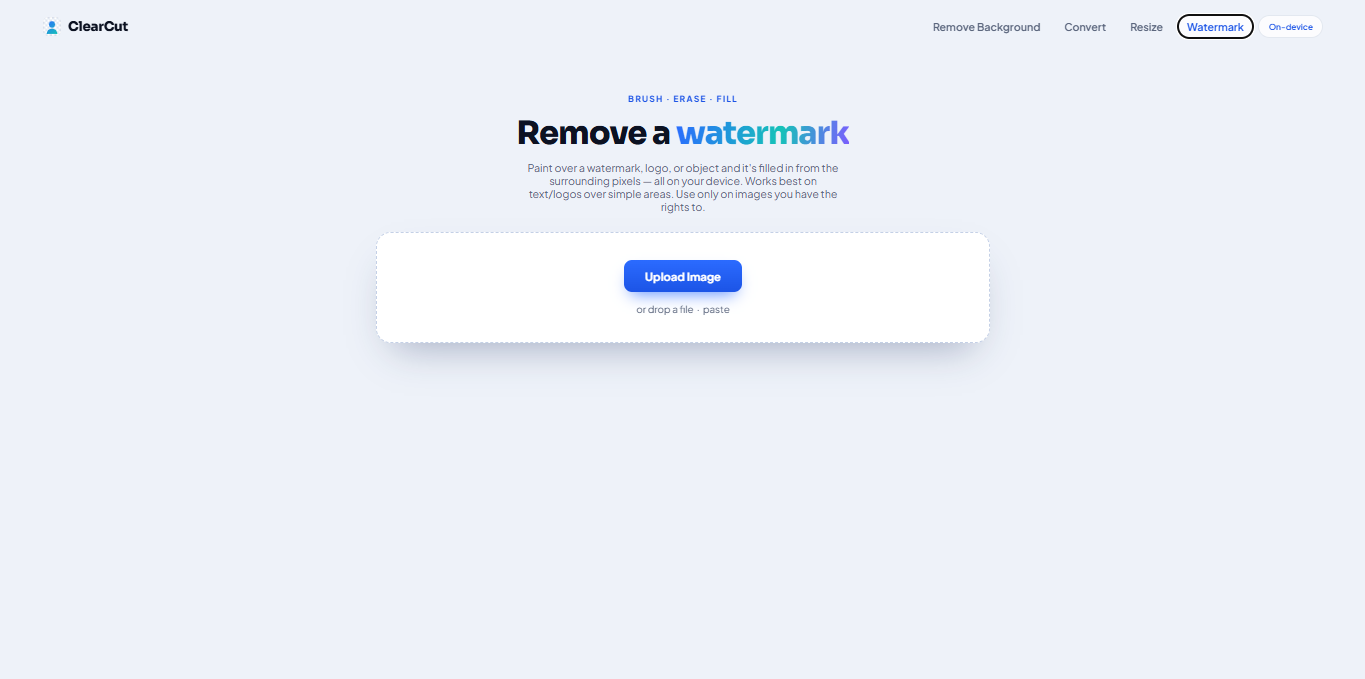
- Remove watermarks — paint over a watermark, logo, or object and it’s filled in from the surrounding pixels; best on text or logos over simple areas.
Private by design
The defining promise is that nothing is ever uploaded. Every operation happens locally, so sensitive images stay with you — no account, no server round-trip. It’s automatic, free, and private.
Who it’s for
Anyone who needs quick, trustworthy image edits — creators, sellers, designers, and developers — who want fast results without handing their photos to a cloud service.